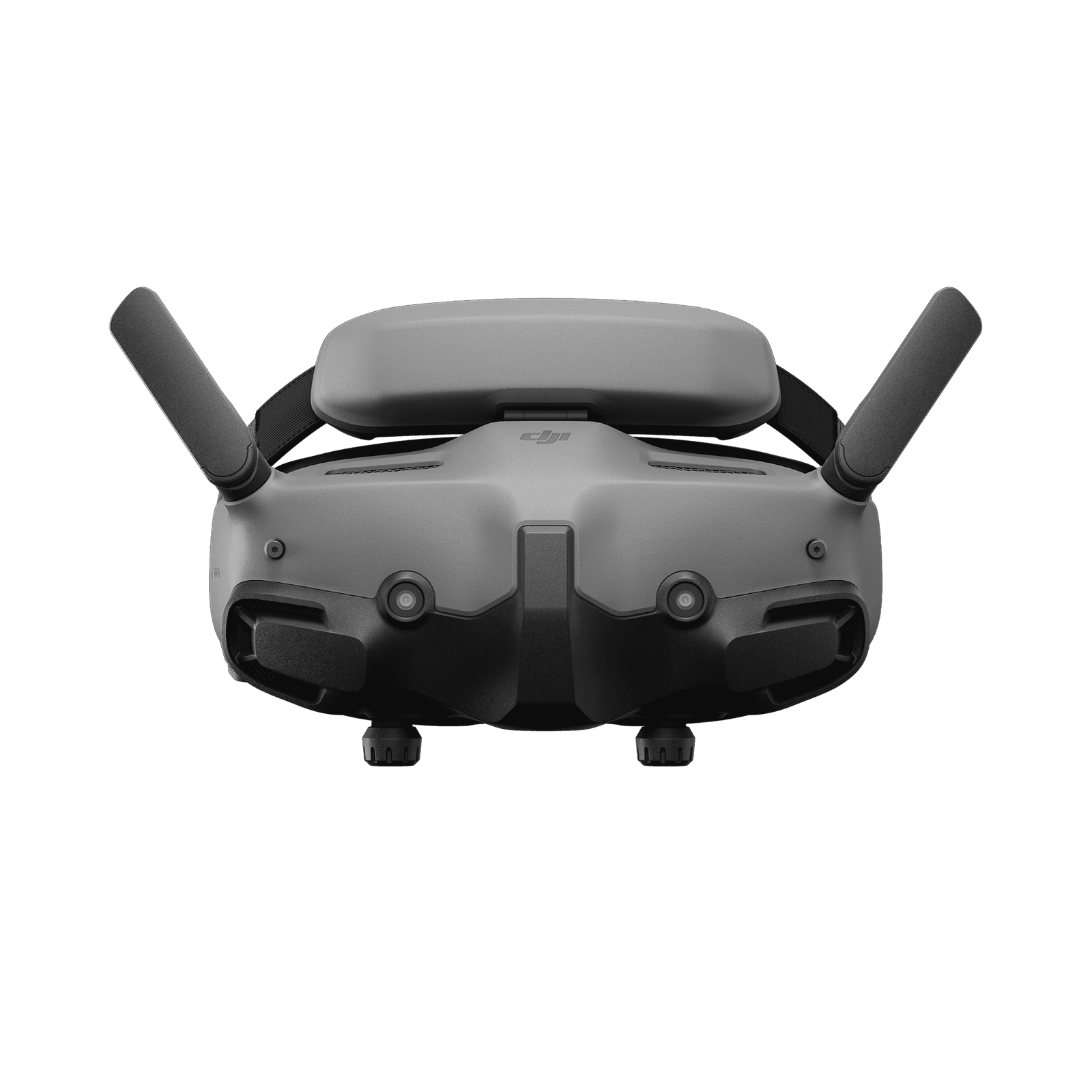
Detailed description
DJI Goggles 3 are digital FPV goggles with Real View and 1920×1080 resolution per screen.
Selection and use
Diopter adjustment spans −6 to +2 D. Real View lets you check your surroundings through the headset cameras; it does not replace assessing flight conditions.
Configuration and compatibility
Check the exact aircraft or video unit, goggles and controller combination against DJI compatibility information for the installed firmware. Digital FPV goggles do not automatically receive every analog 5.8 GHz signal. Fit, optical adjustment and power arrangements matter for longer sessions. Compare the supplied accessories separately from the headset specifications.
Selection and installation details
Goggles 3 combines Micro-OLED displays, an integrated battery and Real View cameras. That feature helps you orient yourself nearby without immediately removing the goggles, but the external view and aircraft feed serve different purposes. For Air Unit FPV projects, check DJI’s compatibility list and every device’s firmware. Control access, weight distribution and optical fit matter when choosing. Do not confuse each screen’s resolution with the recording resolution of the camera on the aircraft.
Questions before buying
Can these goggles receive every FPV signal? No. Compatibility depends on the video system, aircraft or transmitter model and firmware. Two devices operating in the same radio band do not necessarily share an image format the goggles can display.
What should I check when trying them on? Adjust fit and clarity, then inspect the readability of the centre and edges. Check strap pressure, control access and power arrangements. Also consider the video system you intend to use in future before choosing your goggles.
Buying from DronExpert in Moldova
The current MDL price and availability are shown on this product page. To match the version, contact DronExpert in Chișinău with your equipment model and SKU 8765.