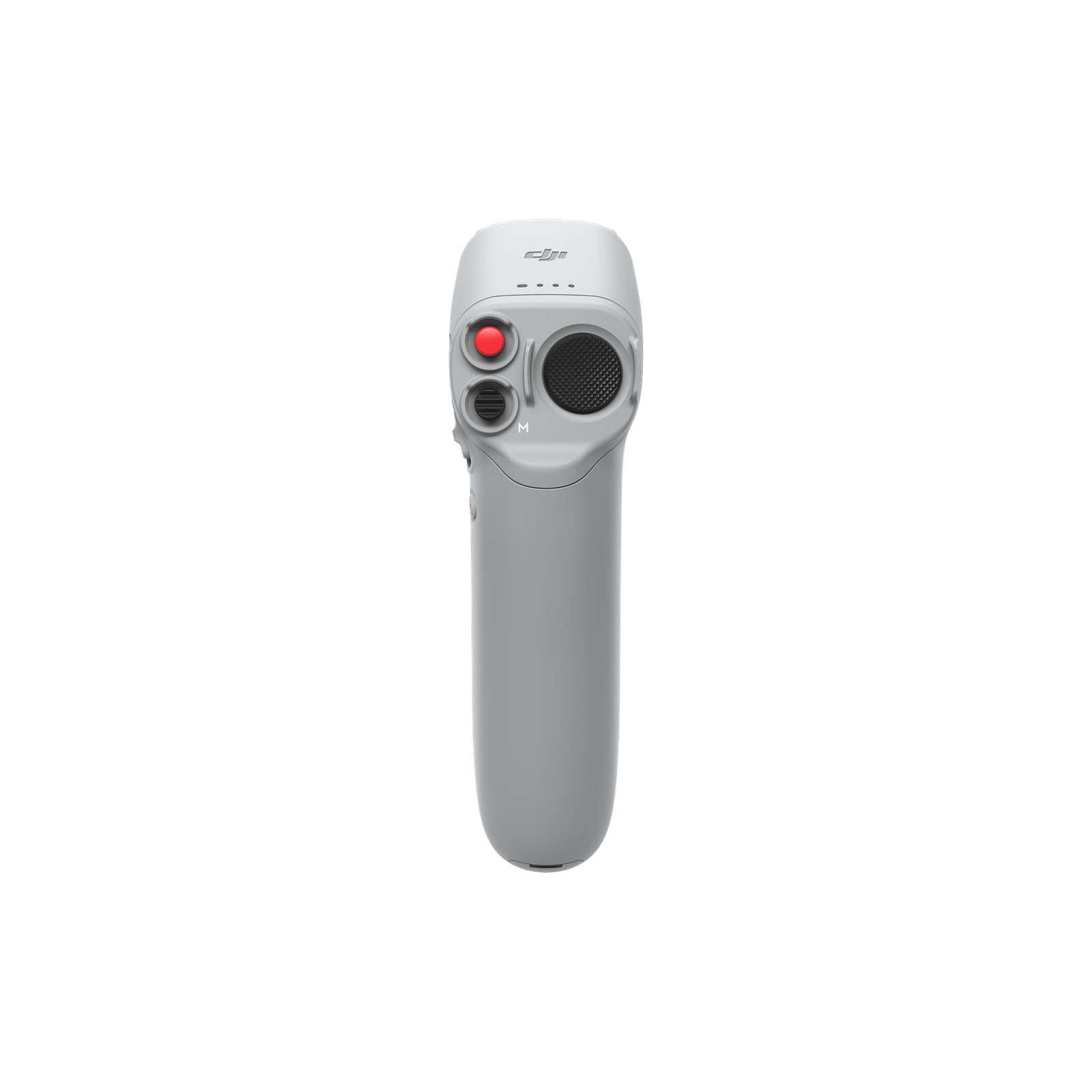
Detailed description
DJI Motion Controller is the first-generation motion controller for a compatible DJI FPV system. Rather than a conventional dual-stick radio, it uses controller movements and dedicated controls to direct the aircraft. It suits users looking for an immersive way to pilot.
Compatibility and preparation
DJI lists support for DJI FPV and DJI Avata with supported goggles combinations. This is not RC Motion 2 or RC Motion 3. When expanding an existing kit, specify the exact aircraft and goggles rather than only the generic FPV name.
For FPV, verify the complete chain: aircraft or video unit, goggles and controller. Sharing a brand does not guarantee compatibility between generations. Flight functions depend on that combination and firmware, and motion control differs from dual-stick piloting. Prepare pairing and settings in a suitable environment before your filming session.
Practical use
Choose the control method around your filming task and experience. Practise start, stop and orientation controls before attempting a new route. Assistance features do not replace operator attention, and changing the controller does not automatically add different flight capabilities or obstacle sensing systems to the aircraft.
Before first use, charge the controller, check its software and link it to the correct aircraft. Confirm stick and button response, the live image and app status messages before take-off. Recheck the connection procedure when changing aircraft: a similar case or product name does not establish electronic compatibility.
For an existing kit, photograph the goggles and current controller labels. This avoids choosing by similar names and lets you check the exact combination, including cables or accessories that may not be supplied with this item.
When ordering from DronExpert in Moldova, quote the product code and the equipment you intend to use. Availability, exact package contents and purchase terms should be checked for the selected version.